You've decided to stop contacting your ex. The decision felt clear at the time. Then, a day later, your phone is in your hand again, their name is one tap away, and you start wondering if there's an app for this.
There is. In fact there are now quite a few no contact apps, and from the App Store they can look almost identical: a day counter, a panic button, a journal, a subscription. The differences show up in the details, and the details matter when you're choosing something to lean on during a hard few weeks.
A quick note before we start: we make No Contact, one of the apps below. We've tried to be fair anyway. Every competitor fact here comes from that app's own website or App Store page as of November 2026, and we say where another app might suit you better than ours.
The Short Answer
The best no contact app is the one you'll actually open at the moment of the urge, instead of opening your ex's chat. For most people that means an app with a strong "panic" or SOS feature, a day counter and somewhere private to write. Beyond that, choose by what you need most:
| App | Platforms | Stands out for | Best for |
|---|---|---|---|
| No Contact | iPhone (Android coming soon) | Panic Room, evidence vault, guided programs, community | A full recovery toolkit, not just a counter |
| Icky | iPhone and Android | Panic Button, unsent messages, voice AI companion, 33 languages | Android users and people who want to talk it out |
| NoContact | iPhone and Android | Emergency SOS, AI coach, rewards for streaks | People motivated by streaks and progress stats |
| No Contact AI | iPhone and Android | SOS that starts with breathing, milestone steps from 1 hour to 90 days | People who like small, frequent milestones |
| Heal | iPhone only | No account, data stays on your phone, lifetime purchase option | Privacy first, and people who prefer to pay once |
| Let it Go | iPhone and Android | One-on-one sessions with breakup coaches | People who want a human to talk to |
All six are free to download and charge a subscription (or in-app purchases) for full access. Prices change and vary by country, so check the current price in your app store before you start a trial.
 Free 2-minute quizWhat’s your attachment style?Your attachment style shapes how a breakup feels. Find yours in 14 questions.Take the quiz
Why an App Can Help With No Contact
It's fair to ask whether you need an app at all. Plenty of people do no contact with nothing but willpower and a muted chat. But the research on breakups points to two things an app can help with.
First, contact keeps the feelings going. In a study that followed young adults through the month after a breakup, contact with a former partner was linked to love and sadness fading more slowly. Anything that helps you get through the urge without reaching out protects that recovery. For the bigger picture, see our guide to what the no contact rule is all about.
Second, "quiet" contact counts too. A study of Facebook use after breakups found that people who kept watching an ex's profile reported more distress, more longing for the ex and less personal growth. Checking their profile feels like it isn't really contact, but it keeps the wound open. That's why the most useful apps give the urge somewhere else to go, whether it's to text them or to look them up. If checking is your weak spot, read how to stop stalking an ex.
An app won't make the decision for you. What it can do is put a pause, a breathing exercise or a page to write on between you and the message you'd regret.
What to Look For in a No Contact App
Before comparing names, it helps to know which features do the real work:
- An urge tool you can reach in seconds. Most apps call it a panic button, SOS or panic room. It should calm you down first and give you somewhere to put what you wanted to say.
- A day counter that's kind when you slip. Seeing your days add up is motivating. An app that makes a slip feel like total failure is not.
- A private place to write. Unsent letters and journals let you say everything without restarting the conversation.
- Something for the long middle. The first week is about surviving urges. Weeks two to six are about rebuilding, so guided exercises or programs matter more than a bigger counter.
- Privacy you're comfortable with. You'll be writing very personal things. Check whether the app needs an account and where your entries are stored.
The 6 Best No Contact Apps, Compared
1. No Contact
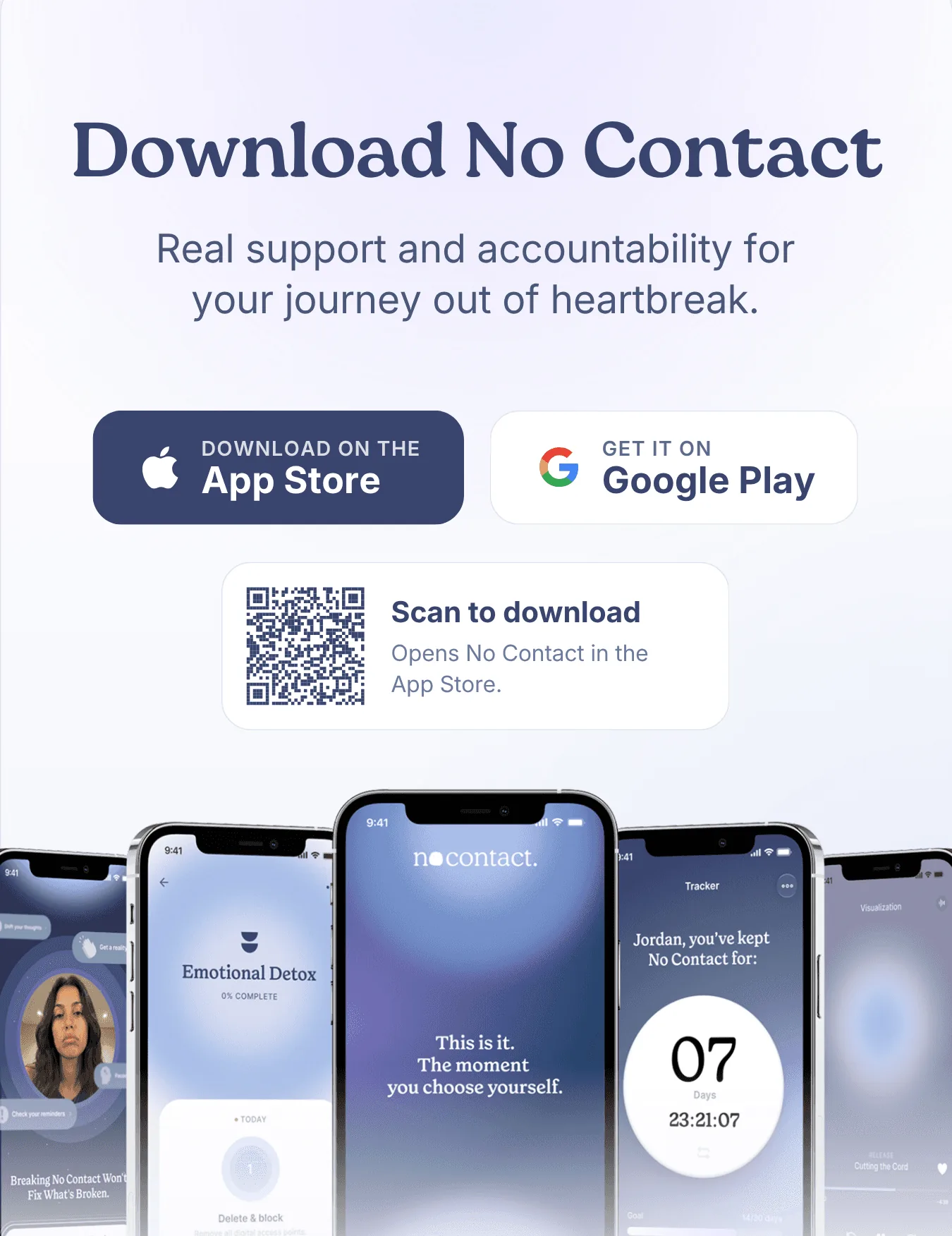
No Contact is built around the moments when no contact is hardest. When the urge hits, the Panic Room gives you grounding and breathing tools and a place to write the message you won't send. The evidence vault keeps the real story of the relationship in one place, so nostalgia doesn't get the final word, and your manifesto holds your reasons for going no contact in your own words.
For the weeks after the first rush, guided programs give you something to work on each day. Unload Here is the journal for 2am thoughts, the AI coach helps you think something through, and the community means you're not doing this alone. There's also a safety plan for the hardest days.
Good to know: it's iPhone only for now, with Android coming soon. It's free to download, and full access is a subscription.
Best for: people who want a complete recovery toolkit rather than only a counter.
2. Icky
Icky combines a no contact streak (with a home screen widget) with a Panic Button for the urge to text. It has a daily mood check-in, grounding and breathing exercises such as box breathing, and "the unsent message," a place to write what you'd say to your ex. Its AI companion, "Talk it out," works by text or voice.
Good to know: it's on iPhone and Android and its site is available in 33 languages. It's free to download, with full access through Icky Pro, a subscription. Icky describes itself as a self-help app, not a therapist.
Best for: Android users, people who don't use English as their first language and anyone who'd rather talk than type.
3. NoContact
NoContact pairs a no contact tracker that rewards your streak with an Emergency SOS button. It adds daily motivation, an AI coach, a private journal with emotion analysis, progress analytics and an anonymous community.
Good to know: it's on iPhone and Android. It offers a 7-day free trial, then monthly or yearly subscriptions.
Best for: people who are motivated by streaks, rewards and seeing their progress in numbers.
4. No Contact AI
No Contact AI counts your days with milestone steps that start small, from one hour up to 90 days. Its SOS button begins with breathing, and it includes a 24/7 AI coach, personal reminders, guided exercises for each stage, mood check-ins with trigger detection and a "talk to your ex" journal for messages you won't send.
Good to know: it's on iPhone and Android, with a 3-day free trial and then weekly, monthly or yearly subscriptions.
Best for: people who find a 30-day goal daunting and want to celebrate the first hour, the first day and the first week.
5. Heal
Heal keeps things simple and private. It has a streak ring toward a goal you choose (from 14 days to a year), an SOS toolkit with guided breathing that counts the urges you've resisted, a private journal, unsent letters and Face ID or passcode lock. It needs no account, has no ads, and says your data stays on your iPhone.
Good to know: it's iPhone only (iOS 18 or later). It's free to download, and Heal Premium is sold weekly, monthly, yearly or as a one-time lifetime purchase.
Best for: people who care most about privacy, and people who'd rather pay once than keep a subscription.
6. Let it Go
Let it Go has a no contact timer that logs urges you resisted and relapses, a journal with daily affirmations, trigger logging and a breakup support community. What sets it apart is one-on-one sessions with breakup coaches it calls Healers, sold as packs of sessions.
Good to know: it's on iPhone and Android, free to download with in-app purchases for premium and for coaching sessions.
Best for: people who want to talk to a human, without committing to weekly therapy.
How to Choose the Right One for You
If you're still unsure, start with the moment you're most likely to break no contact:
- Late-night urges to text: pick the app whose panic or SOS tool you like best, and put it where the messaging app used to be on your home screen.
- Checking their profile: choose an app with a journal or unsent letters, and give each urge a place to land.
- Nostalgia rewriting the past: an app that helps you keep the real story, like No Contact's evidence vault and manifesto, helps when the good memories get loud.
- Feeling alone in it: look for a community, or for human coaching like Let it Go's.
- Worried about privacy: check whether the app needs an account and where entries are stored. Heal is the most explicit about keeping data on your phone.
Most of these apps offer a free trial or free features. Try one for a few days during a calm moment, so it's already familiar when a hard one comes. Then pick a goal you can reach: our guide to the first 30 days of no contact shows what each week tends to feel like. And when the urge is loud, these 7 questions to ask before you text your ex work with any app.
When an App Isn't Enough
Apps are self-help tools. None of them is therapy, and none can replace a doctor, therapist or counselor.
If your low mood lasts for weeks without easing, or you can't sleep, eat, work or look after yourself, talk to a professional. Breakups take time, and how long it takes to get over a breakup varies a lot from person to person, but you don't have to wait until things feel unbearable to ask for help.
If the relationship involved control, threats or abuse, no contact can be an important safety step. In the US, you can reach the National Domestic Violence Hotline at 1-800-799-7233.
If you're ever thinking about harming yourself or feel you're in danger, please reach out right away. In the US, call or text 988. In the UK and Ireland, call Samaritans on 116 123. Anywhere else, find a free local helpline at findahelpline.com. If you're in immediate danger, call your local emergency number.
How No Contact Helps
We built No Contact for the exact moment an app matters most: when your thumb is already on their name. The Panic Room steps in first, with breathing and grounding tools and a place to write what you'd otherwise send. After that, the evidence vault, your manifesto, guided programs, Unload Here, the AI coach and the community help with the weeks that follow, so the space your ex left fills up with things that are yours.
Frequently asked questions
Is there an app for no contact?
Yes. Several apps are built for no contact after a breakup, including No Contact, Icky, NoContact, No Contact AI, Heal and Let it Go. Most combine a day counter, an urge or panic tool and a private journal.
What is the best free no contact app?
All six apps here are free to download, but full access usually needs a subscription. If you only need a counter, the free features may be enough. If you want the panic tools, programs or coaching, try a free trial first and cancel before it renews if it isn't helping.
Do no contact apps actually work?
No app can do no contact for you, and there's little research on these apps specifically. What research does show is that contact, including checking an ex online, is linked to slower recovery. An app helps to the extent that it gets you through urges without reaching out.
Is there a no contact app for Android?
Yes. Icky, NoContact, No Contact AI and Let it Go are on Android. No Contact is iPhone only for now, with Android coming soon, and Heal is iPhone only.
Pick One and Start Today
The perfect app matters less than starting. Choose one that fits the moment you find hardest, set it up while you're calm, and let it carry some of the weight the next time the urge arrives.
If you'd like to try ours, download the No Contact app.
What’s your attachment style?Free 2-minute quizStart →